Whether you’re a client investing in video or a motion designer; this article breaks down real-world ways to implement a single motion-video to maximise value, exposure, and ROI.

Personality: Communicate brand essence in seconds.
Retention: Increase time-on-site and user engagement.
Clarity: Replace dense text with memorable visuals.
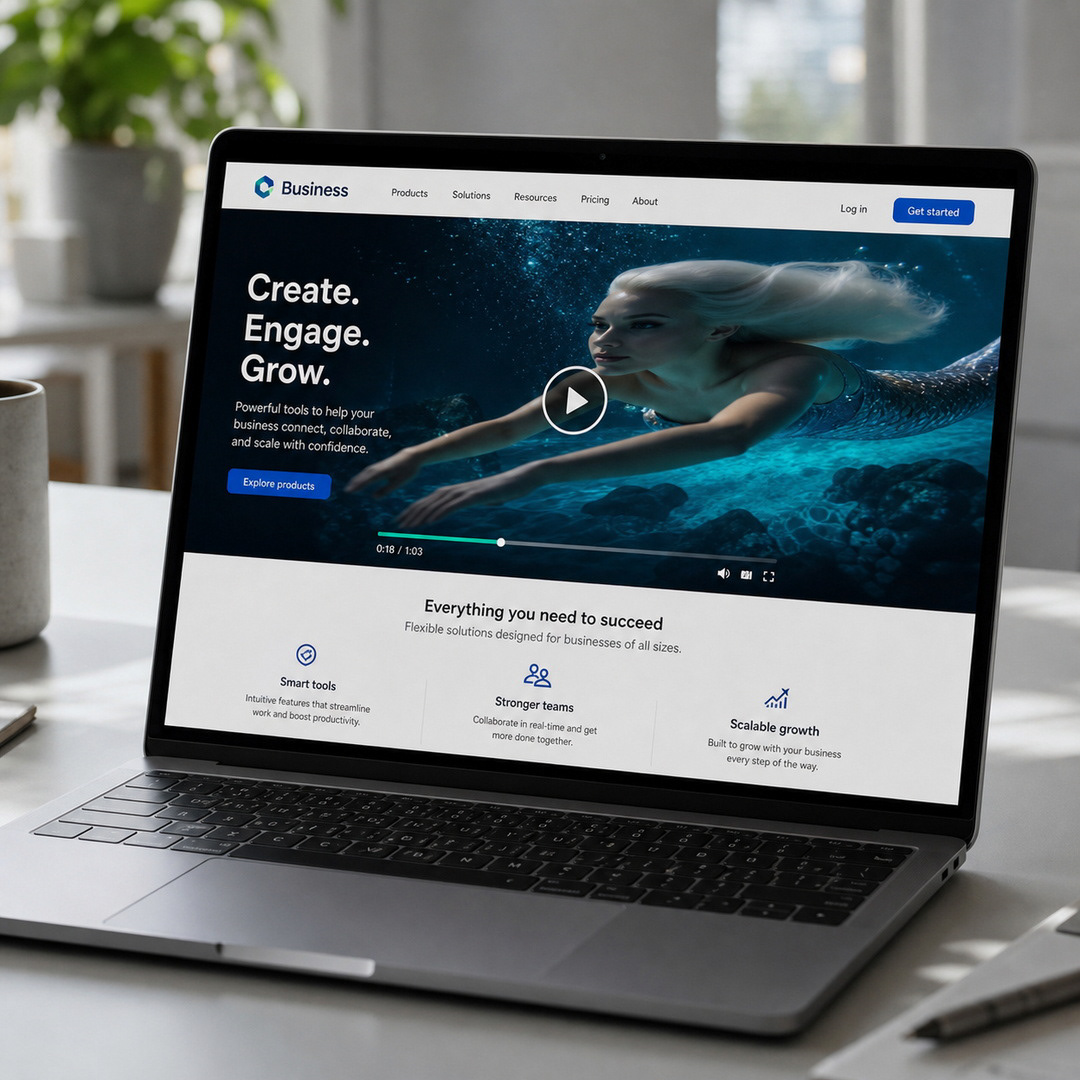
Pro Tip: Set the video to auto-play (on mute) or use a looping GIF thumbnail for faster load times.
TikTok: (9:16) speed-up & fast-cut.
LinkedIn: (16:9) or (1:1) long-form & subtitled.

Pro Tip: Design in 16:9 (horizontal) first, then crop down to 1:1 (square), followed 9:16 (vertical).
Placement: Run YouTube pre-roll or in-feed ads to target audiences.
Optimisation: A/B test different cut-downs to see what converts best
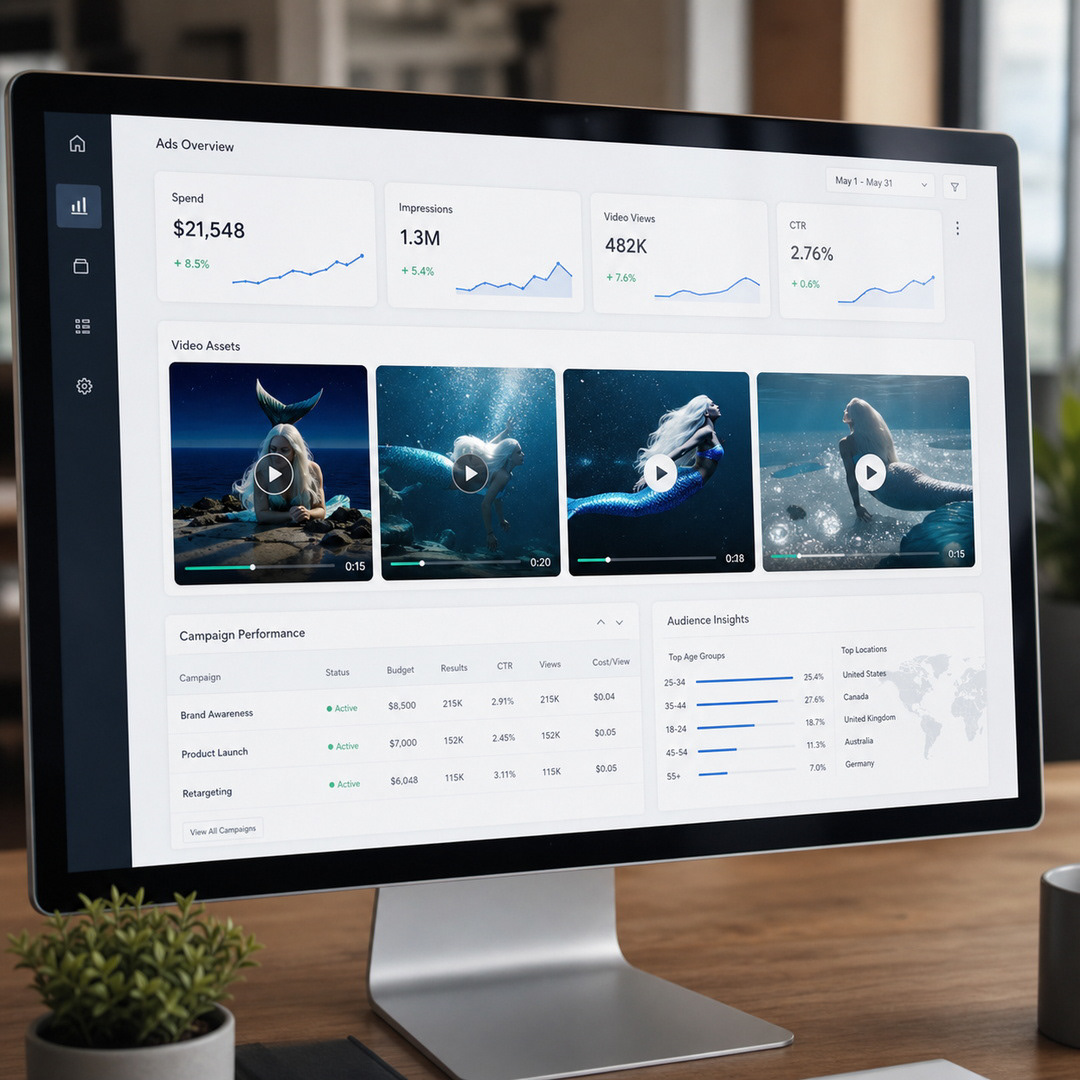
Pro Tip: Conduct "The Mute Test" - most paid media is consumed with the sound-off.
Visibility: Tap into Google’s search ecosystem for long-term discovery.
Connection: Gain global reach & community engagement.
Accessibility: Automatic video transcoding ensures smooth playback on all devices.

Pro Tip: Turn your video into a content engine by adding tags and a detailed description.
Open Rates: Adding "Video" to the subject line leads to higher opens.
Traffic: Including a looping GIF with a “play” button boosts click-throughs.
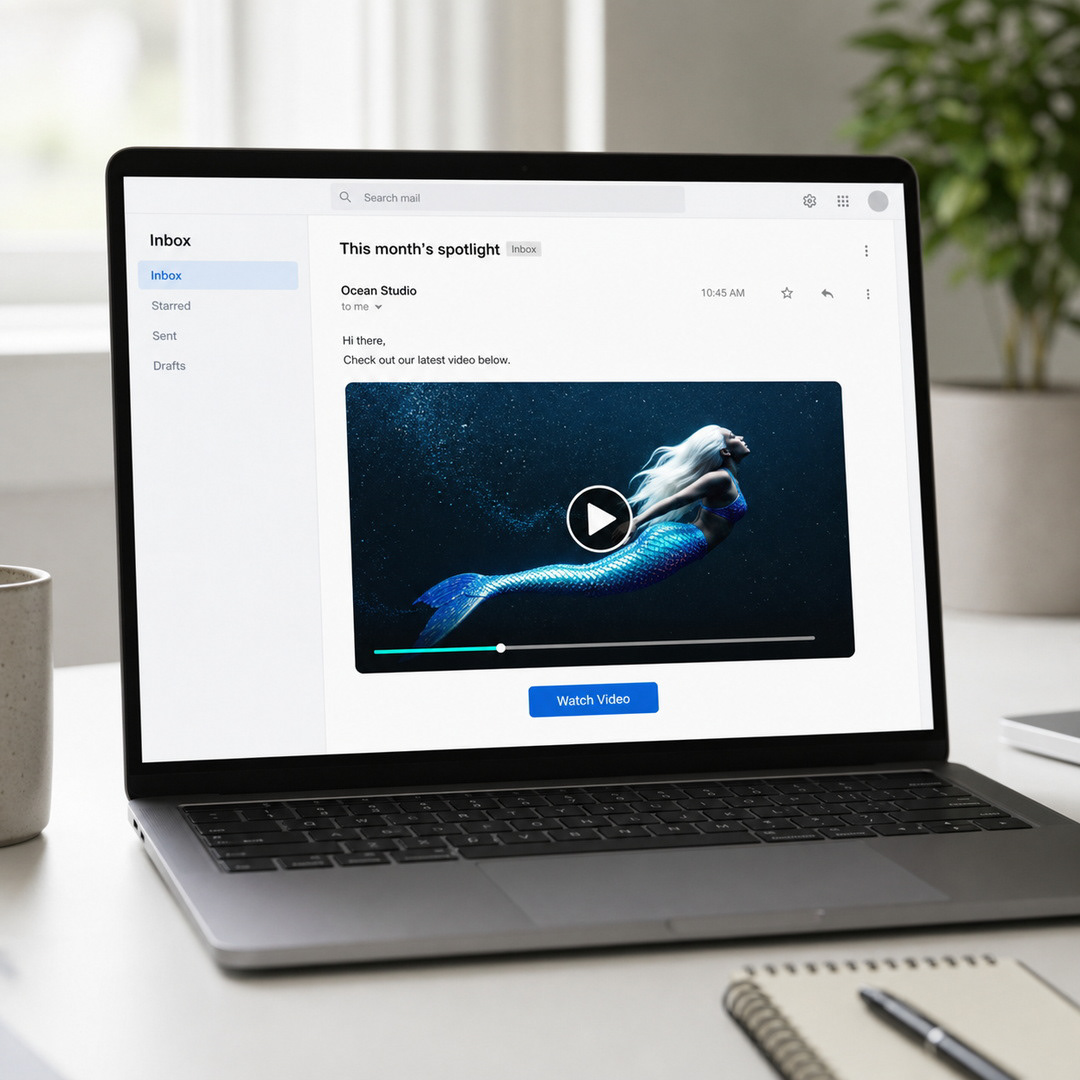
Pro Tip: Create a static thumbnail with a “play” button for faster load time.
Support: Let the video handle complex topics.
Present: Embed video into sales pitch decks.
Convert: Video on sale pages build trust.
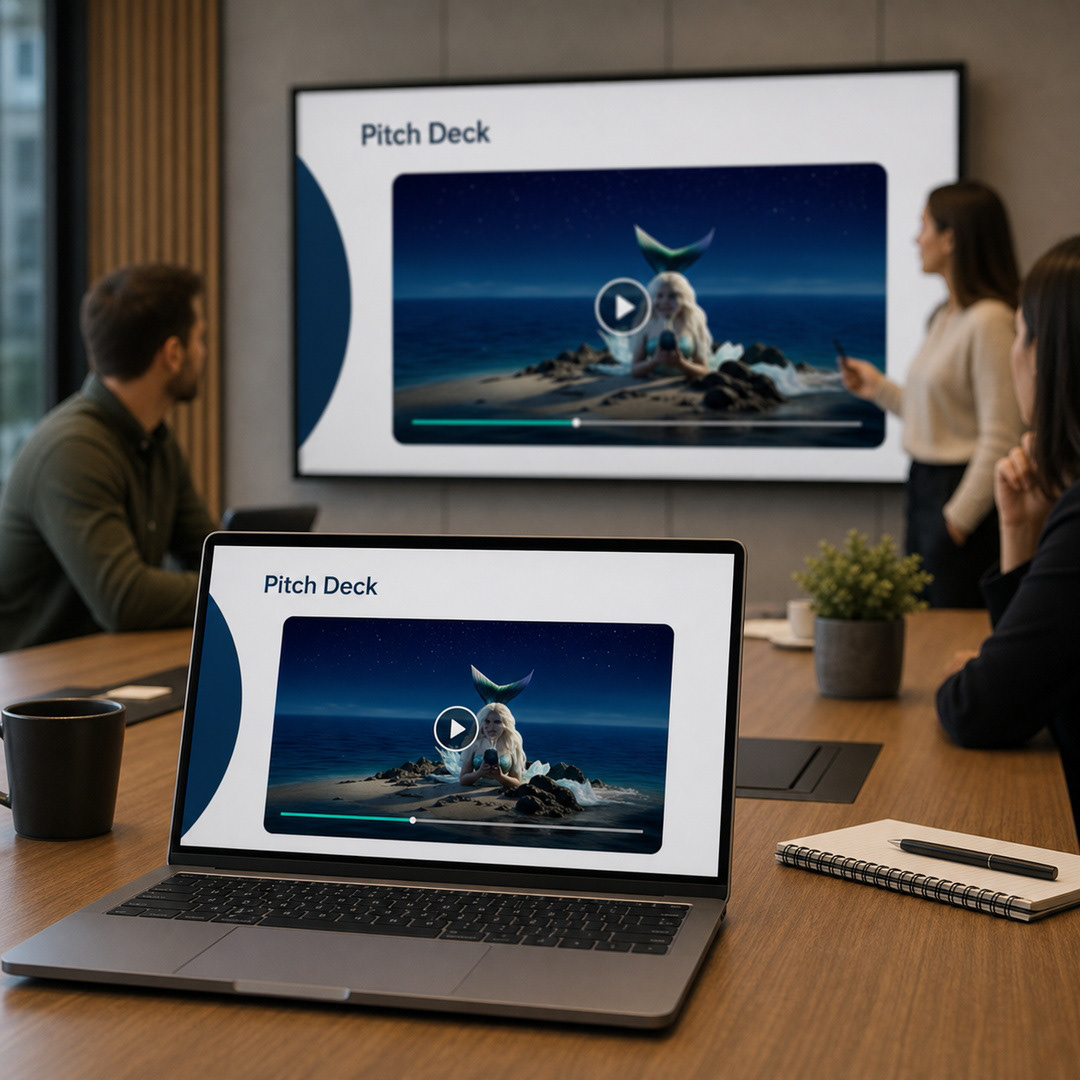
Pro Tip: Using a master "sales video" ensures your brand message remains consistent, no matter who is presenting.
Presence: Display videos on TVs at exhibition stands.
Scale: Dominate large screens at global conferences.

Pro Tip: Consider you motion designs becoming environmental branding (e.g. design BIG) not just for small online screens.
Transport: Target commuters at metro & bus stations.
Shopfront: Turn shop windows into high-end branded digital displays.

Pro Tip: DOOH screens are seen with peripheral vision - design with bold visuals and large typography.
Media Kits: Provide journalists with high-quality videos.
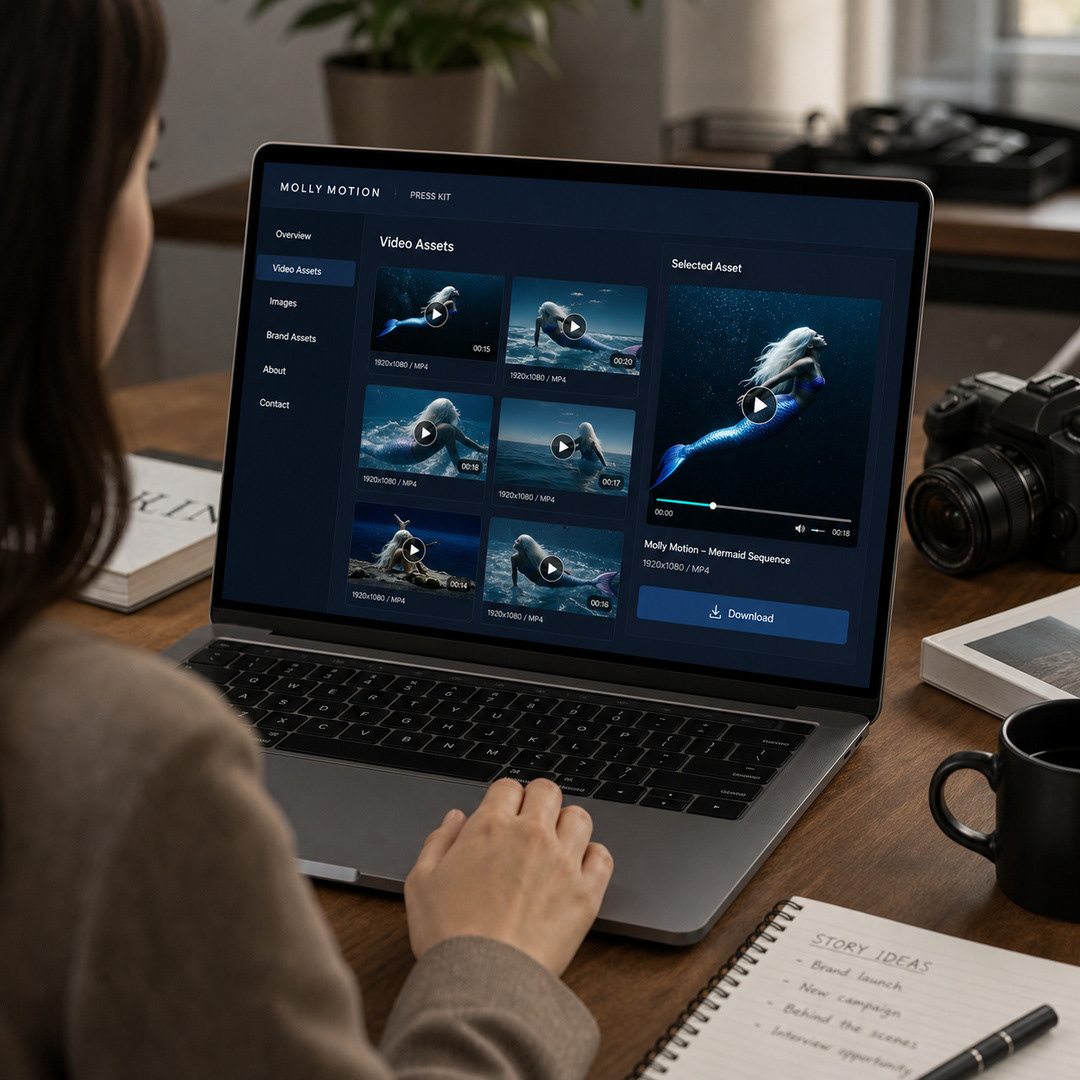
Pro Tip: Keep an up-to-date media kit in a shared folder so parties always have access to the most recent video.
Engagement: Elevate company-wide announcements.
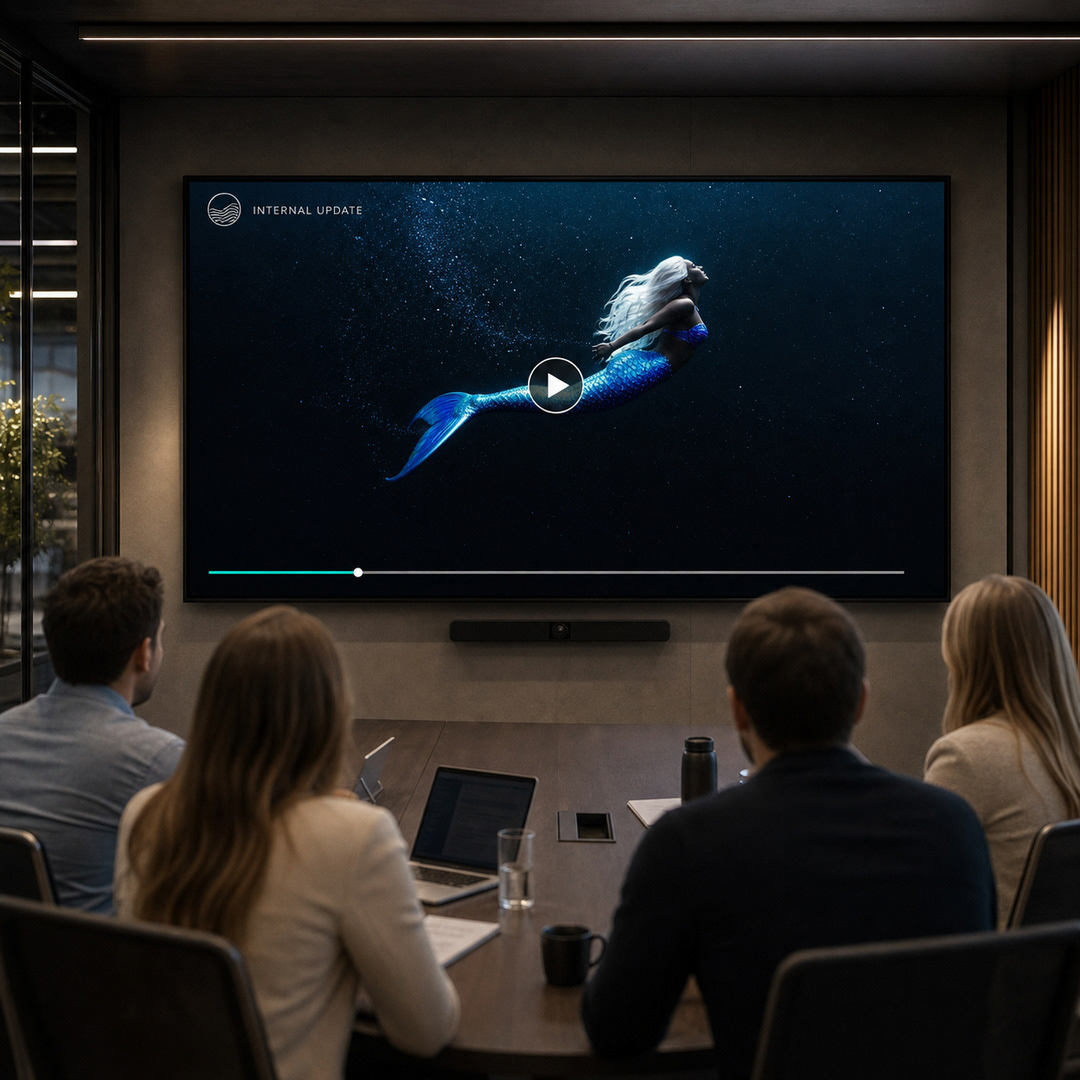
Pro Tip: Keep internal videos genuine, use voice-overs from the staff and C-suite for authenticity.
For Designers: Your value increases when you deliver design systems, not just a video ~ designing for different ratios & re-cuts shows strategic thinking.
If you want moving content that’s built to perform across your entire brand ecosystem ~ Move with Grace.

Back to JOURNAL